# QR Code

## Overview

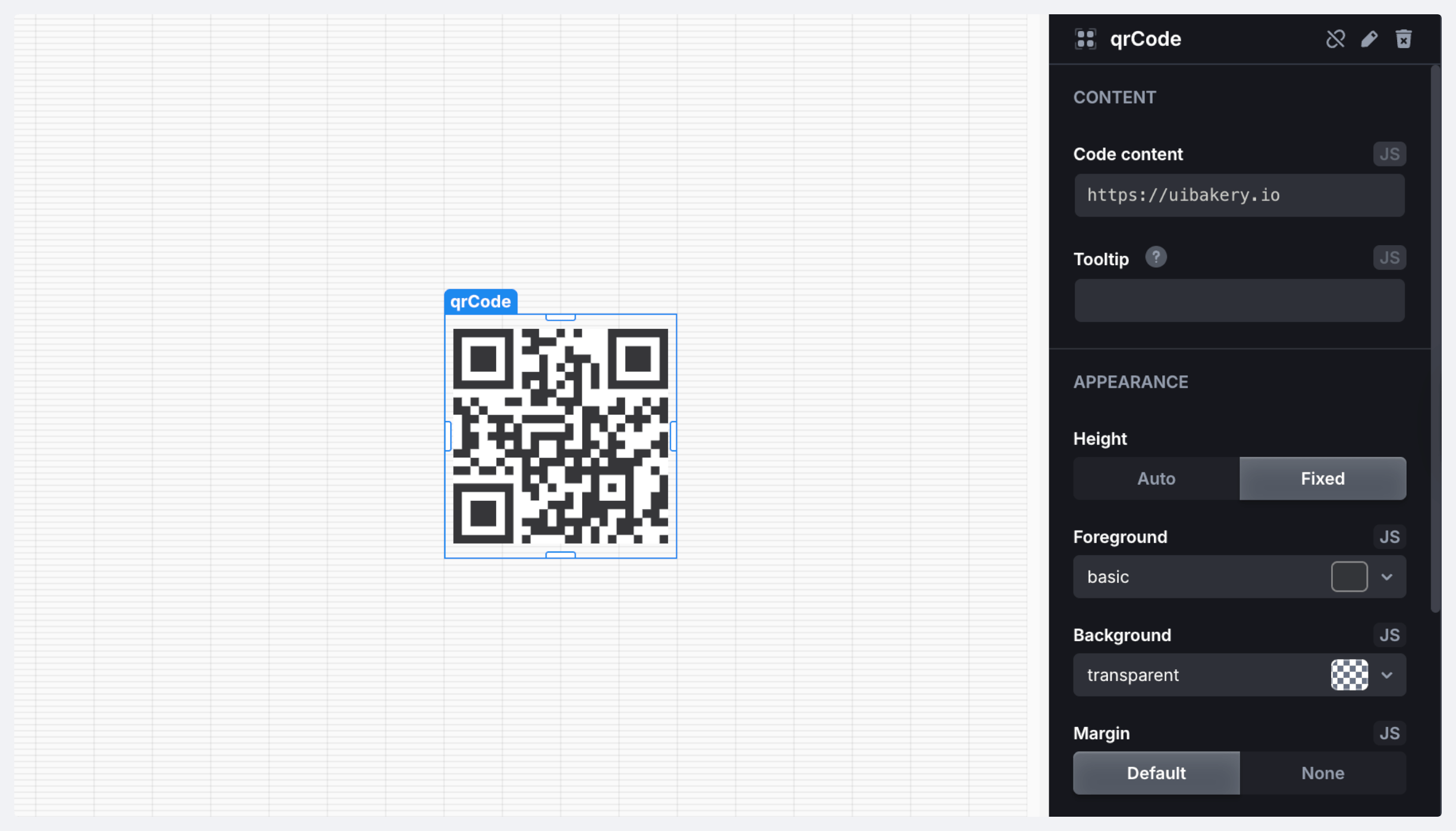
The QR Code component is a UI element that generates and displays a QR code based on provided data. The QR code is scannable and includes features for downloading the QR code image. The component also supports color customization.

<figure><img src="https://837703843-files.gitbook.io/~/files/v0/b/gitbook-x-prod.appspot.com/o/spaces%2FUX6zPRMFFK0yrTghj7cY%2Fuploads%2F0vRvwgp6buWTgLScsj6k%2FCleanShot%202025-08-19%20at%2013.04.15%402x-min.png?alt=media&#x26;token=c0fd6f9f-78bd-4498-b942-48de68d92fb5" alt=""><figcaption></figcaption></figure>

### Properties

<table><thead><tr><th width="132.14453125">Name</th><th width="130.81640625">Type</th><th>Description</th></tr></thead><tbody><tr><td><code>name</code></td><td><code>string</code></td><td>Component name</td></tr></tbody></table>

### Methods

<table><thead><tr><th width="103.03125">Name</th><th width="177.69921875">Parameters</th><th width="99.83203125">Returns</th><th>Description</th></tr></thead><tbody><tr><td><code>setValue</code></td><td><code>value: string</code></td><td><code>void</code></td><td>Set component value setting</td></tr><tr><td><code>download</code></td><td>–</td><td><code>void</code></td><td>Download the QR code</td></tr></tbody></table>

### Triggers

<table><thead><tr><th width="133.734375">Name</th><th>Description</th></tr></thead><tbody><tr><td><strong>On Init</strong></td><td>Triggered when the component is initialized</td></tr><tr><td><strong>On Click</strong></td><td>Triggered when the component is clicked</td></tr><tr><td><strong>On Double Click</strong></td><td>Triggered when the component is double-clicked</td></tr></tbody></table>
